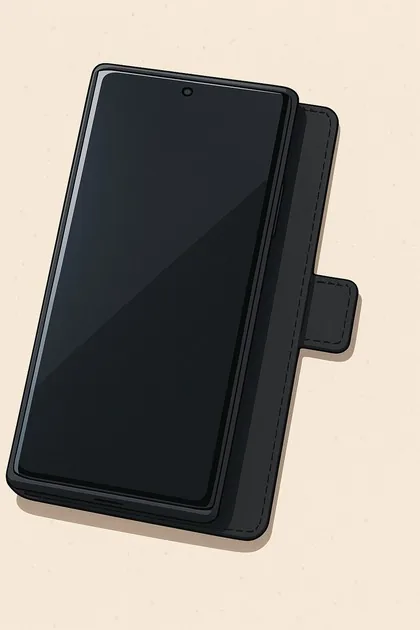
01
Start with distance.
Use speakerphone or a wired headset when practical. Put the phone on a stable surface away from your body. The case cover can form a support lip; keep the phone away from your torso while speaking.
Distance first. Correct orientation when a phone has to be close. Simple settings that reduce unnecessary wireless activity.
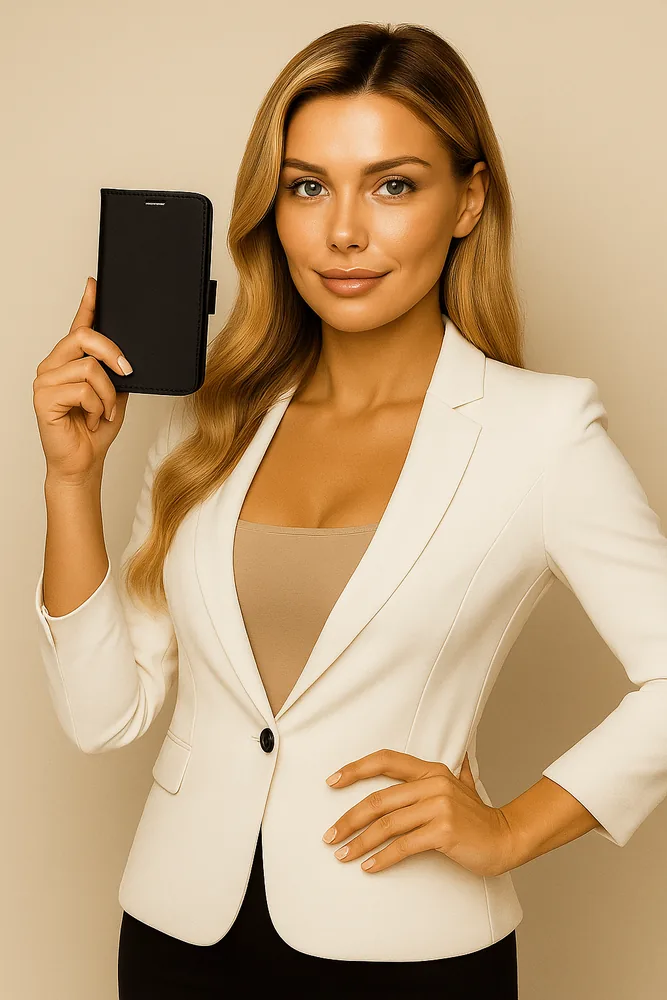
Use speakerphone or a wired headset when practical. Put the phone on a stable surface away from your body. The case cover can form a support lip; keep the phone away from your torso while speaking.
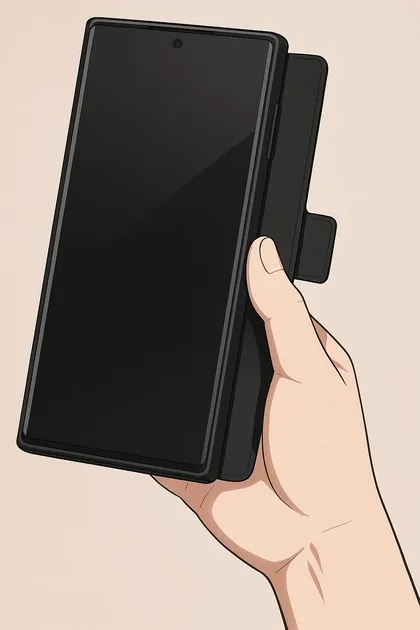
For brief handheld speakerphone use, the illustrated thumb grip supports the extended cover without wrapping your whole hand around the phone. Keep the microphone clear and hold the device away from your body.
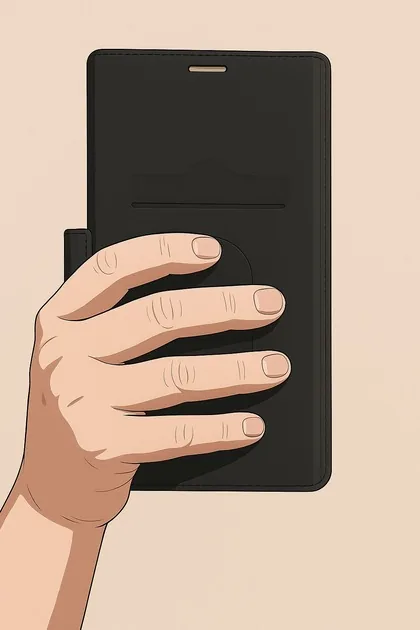
The rear view shows fingers supported behind the folded shielded cover. Orientation matters: the shielding layer belongs between you and the phone. A case changes the direction of some fields; it does not switch the transmitter off.
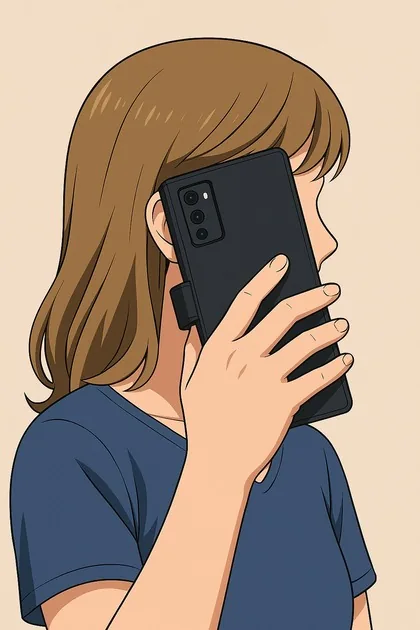
If a call requires the phone near your ear, close the shielded front cover over the screen so it sits between your head and the phone. Keep the speaker opening aligned. Return to speakerphone or a wired headset when practical.
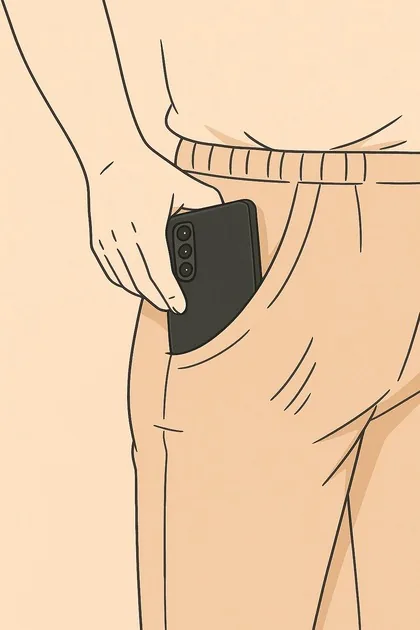
A bag is preferable to keeping an active phone against your body. If pocket carry is unavoidable, put the closed shielded cover toward your body and the camera side outward. Move the phone away from your body when you arrive.
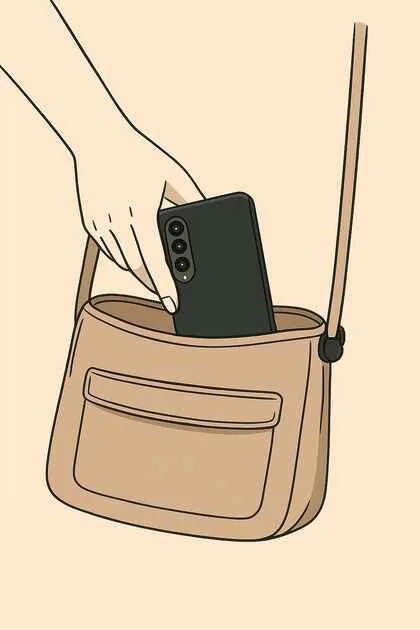
Place the closed cover on the body-facing side of the phone in your bag. Add distance where you can. Check that accidental screen touches cannot start a call, stream or hotspot while the device is stowed.
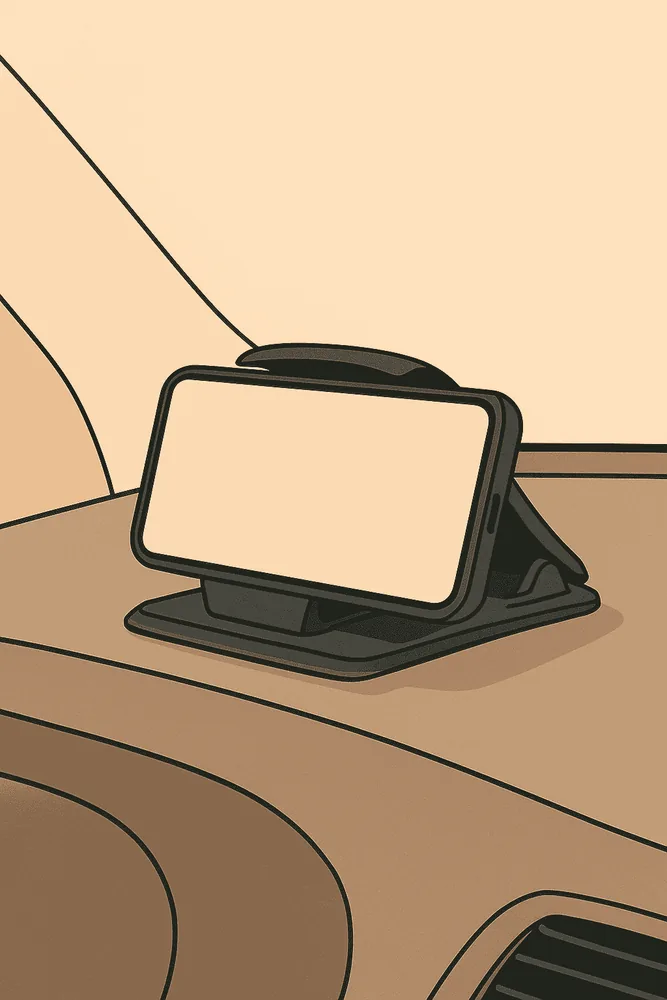
Use a secure holder that leaves your view, airbags and controls clear. The source guide illustrates an outward-facing rear. Set navigation before moving and use hands-free controls. Vehicle materials and signal conditions vary; mounting direction does not guarantee an exposure reduction.
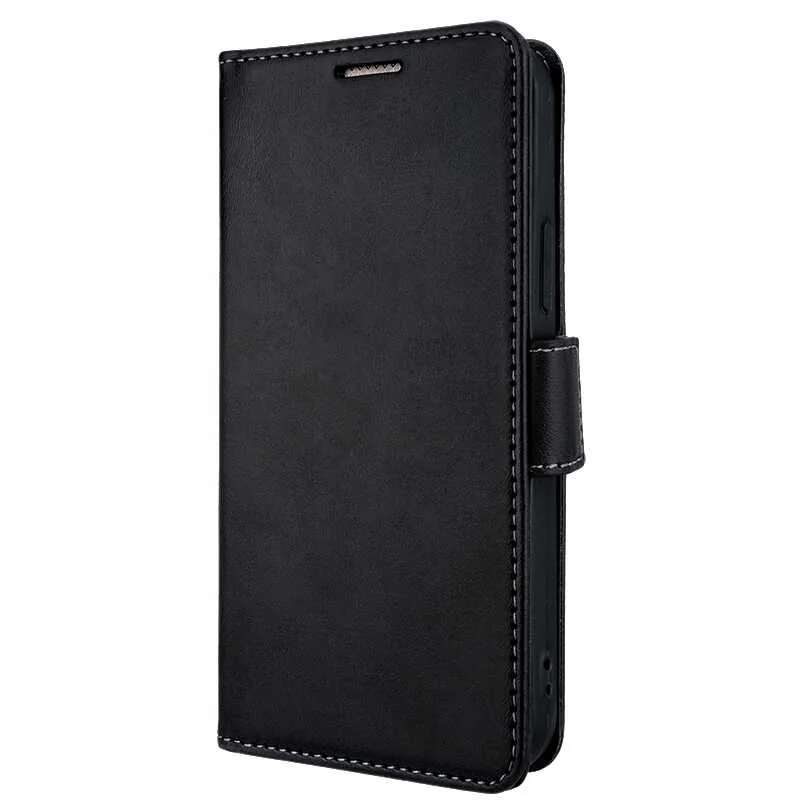
Choose the exact case model so openings and controls fit. Follow the supplied orientation instructions. Avoid adding a metal plate or accessories that obstruct antennas. Material shielding claims do not establish a whole-phone or whole-body exposure reduction.
Turn off unused Bluetooth, personal hotspot or Wi-Fi connections. Airplane mode can disable cellular transmission, but Wi-Fi and Bluetooth may remain enabled or can be switched back on separately. Check the individual settings.
Disabling cellular service affects ordinary calls and connectivity. Plan for access to communication when you need it. Use offline downloads for music, maps and video when practical.

Conductive fibers interact with radiofrequency fields. Their performance depends on frequency, material, geometry and gaps. A material test is different from measuring a working phone beside a person.
Coverage, antenna placement, signal conditions and orientation all matter. Keep the shielding layer on the user-facing side and follow the model-specific instructions.
The original phone-page video is available on demand. The written steps above remain available without playing the video.
Images and product positioning are adapted from the current RF Safe QuantaCase usage guide. Illustrations demonstrate orientation; they are not personal exposure measurements.
Find the QuantaCase that fits →